MedicalVisualization
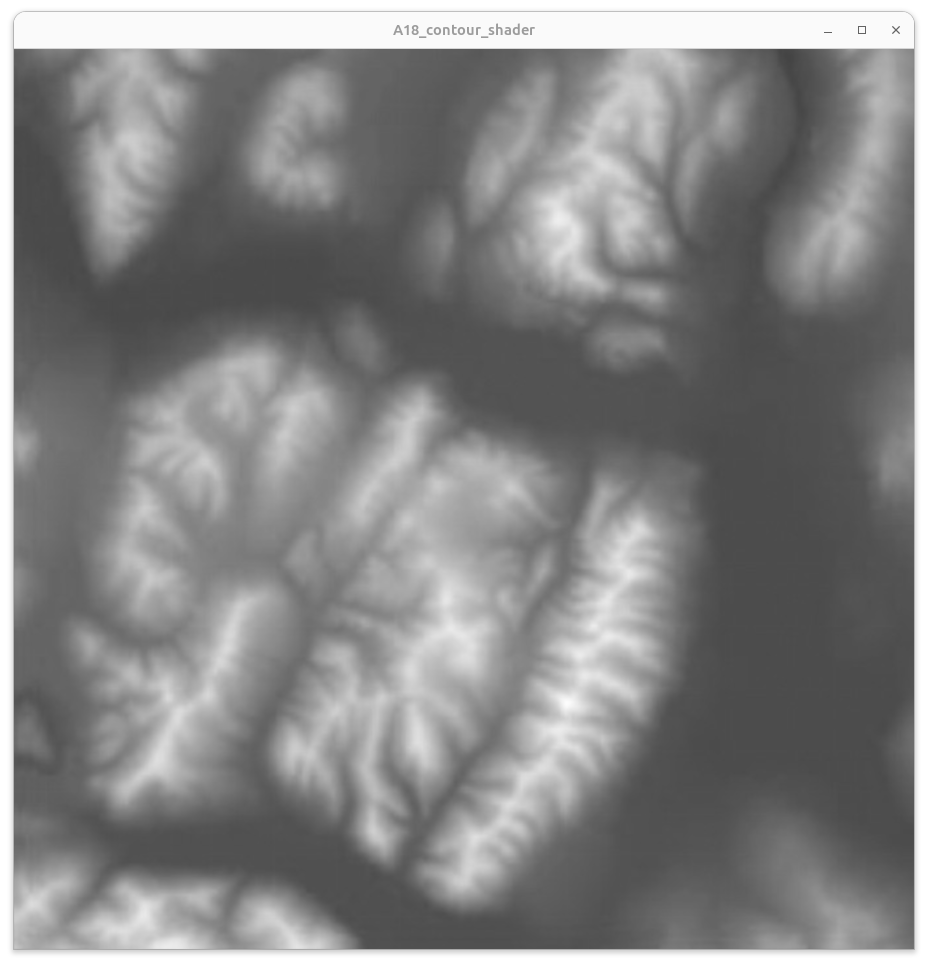

Pixel Based Iso-Contouring
← Marching Triangles Cases | ● | Advanced Pixel Based Iso-Contouring →
Idea:
- Interpret the creation of contours as the application of a specialized image filter.
- In this context a contour is approximated by coloring a certain small image value range
Naive approach:
Determine iso line based on a certain iso value range:
- Interprete the scalar grid values as grayscale image values in [0,1]
- Define a certain small range r around the iso value v, that is the range [v-r,v+r], as being an approximation of the iso contour for the specific grayscale value v
- Color each fragment depending on whether or not the grayscale value is within the specified range
Naive Terrain Contouring for v=0.475 and r=0.01:
Per-fragment GLSL operations to display a naive iso contour of a grayscale scalar function f(x,y) as given by a 2D texture map:
   float v = 0.475;  // grayscale iso value
   float r = 0.02/2; // grayscale value range

   float f = texture2D(map, frag_texcoord.st).x; // sample grayscale texture to yield f

   float c = 0;               // outside of the range
   if (f>v-r && f<v+r) c = 1; // inside of the range

   gl_FragColor = vec4(vec3(c), 1); // resulting fragment color
Pros:
- Can be done by the GPU
- Result is shown instantaneously
Cons:
- Width of the iso contour is not exactly 1 pixel
- Width of the iso contour also depends on the gradient of the scalar function
- Limited by 16-bit float values on the GPU
← Marching Triangles Cases | ● | Advanced Pixel Based Iso-Contouring →